tiagoCgms
Membro
-
Registro em
-
Última visita
-
 valew aqui voltou ao normal, os moderadores pode fexar o tópico, obrigado
 -
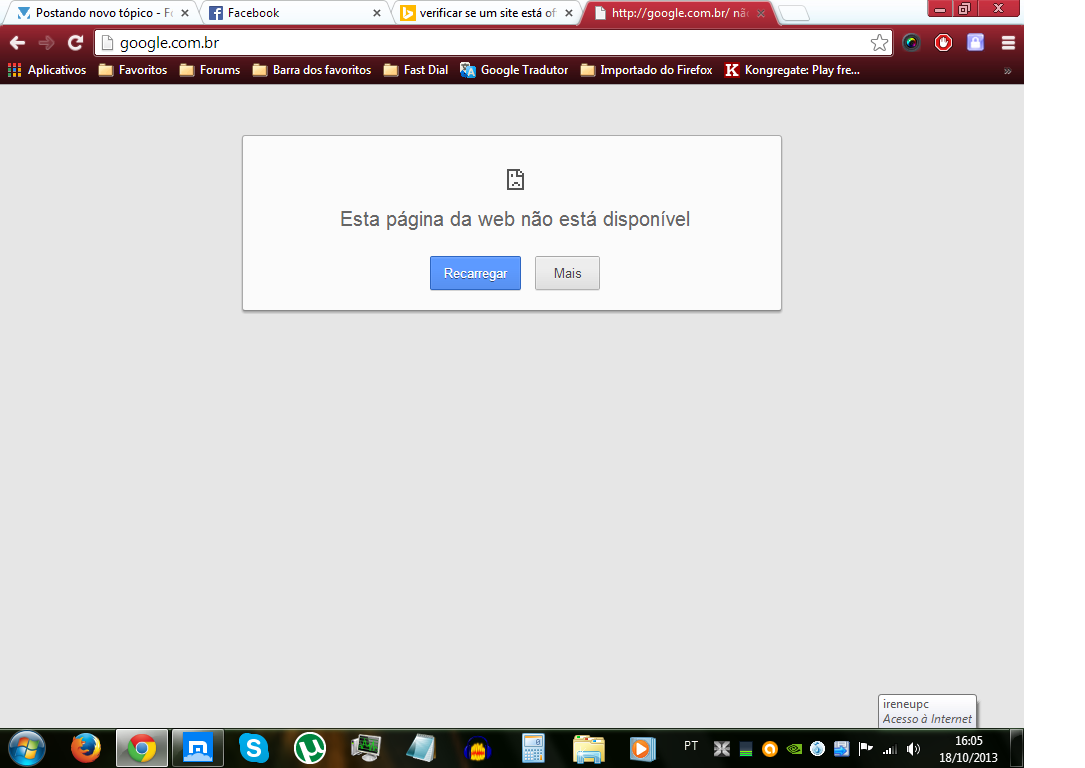
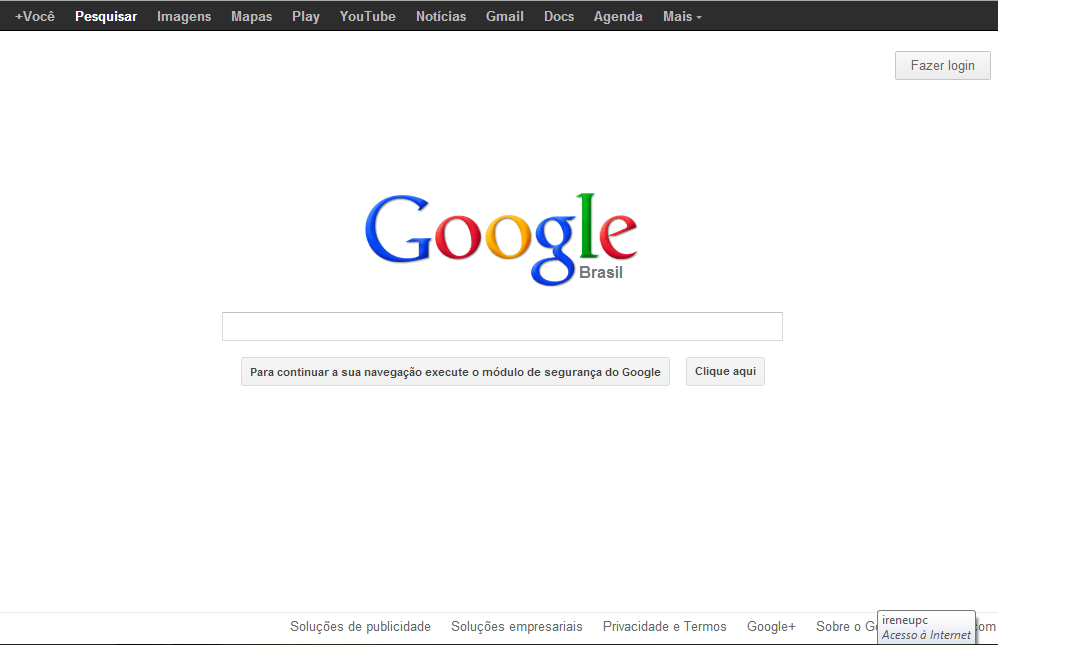
não sei porque mas aki em campo grande -MS (pelo menos para min) os sites google estão off,quando acesso o google.com pede para baixar algo! É soh aki ?
-
irmão aqui http://www.vivaolinux.com.br/artigo/Virtual-Host-com-Apache/ tutorial como que faz, eu usei e aprovei. :)
-
verdade , ainda mais para nos iniciantes!!
-
gostei tambem
-
achei esse tambem http://www.homedatacenterproject.com/ parece bom mas ta em inglês
-
tambem concordo
-
este modulo ainda esta em desenvolvimento por você ou ja esta pronto? teria interesse nele OBS: a thxhost.net ta fora do ar soh para avisar
-
Parabéns
-
opa vou ficar mais esperto, valeu por compartilhar
-
a cor ta muito forte!!! a laranja!
-
parabéns mano, eu Curti!
-
kkkk Ri sozinho aki kkk
-
Verdade!!
-
verdade , mas parabens !!