


Ir para conteúdo
View in the app

A better way to browse. Learn more.

Portal do Host

A full-screen app on your home screen with push notifications, badges and more.

To install this app on iOS and iPadOS
  1. Tap the Share icon in Safari
  2. Scroll the menu and tap Add to Home Screen.
  3. Tap Add in the top-right corner.
To install this app on Android
  1. Tap the 3-dot menu (⋮) in the top-right corner of the browser.
  2. Tap Add to Home screen or Install app.
  3. Confirm by tapping Install.

exallhost

Membro
  • Registro em

  • Última visita

  1. exallhost respondeu ao tópico de Jean Santos em Finanças
    Ola! Claro, desenvolvemos esse modulo 100% funcional com o QR code O modulo do PicPay que temos é comercial. O Valor é apenas um pagamento R$75,00 Acarreta: Arquivos Suporte Instalação Atualizações quando disponível API do mesmo. https://www.exall-host.com.br/viewinvoice.php?id=4118&view_as_client=1
  2. exallhost respondeu ao tópico de Jean Santos em Finanças
    Ola! Temos sim, basta me chamar no Skype. Não sei se posso postar detalhes do produto nesse post. Skype marlen.niemczeski
  3. exallhost respondeu ao tópico de Jean Santos em Finanças
    Me adiciona no Skype marlen.niemczeski que lhe envio o Modulo que Criei.
  4. exallhost respondeu ao tópico de Jean Santos em Finanças
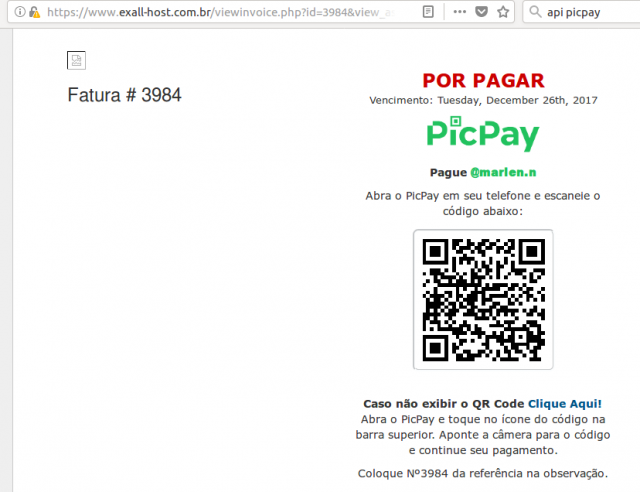
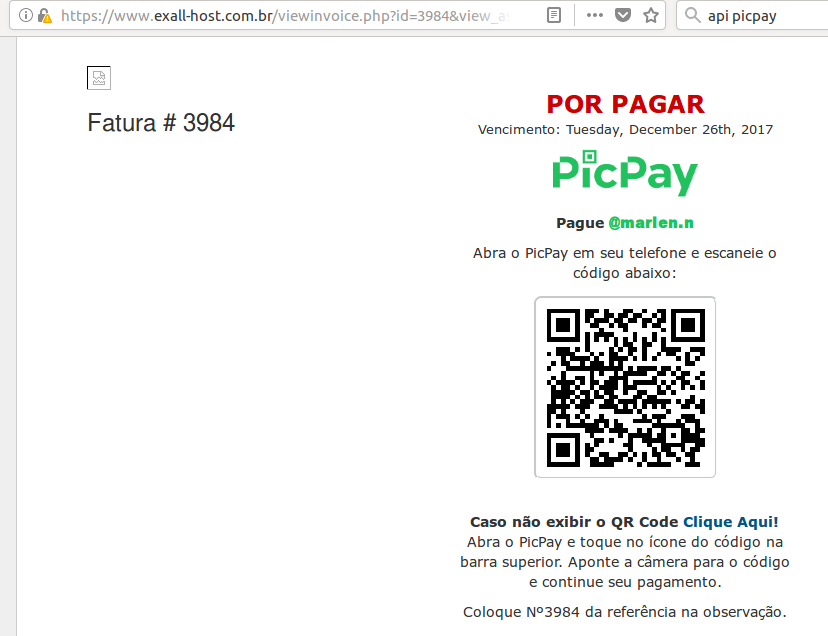
    Ola! Me deparei com essa mesma dificuldade sobre API. Com esse novo lançamento de QR code deles deu pra fazer isso. Veja se atende a necessidade. Seria isso que procuram?
Informação Importante

Concorda com os nossos termos?

Configure browser push notifications

Chrome (Android)
  1. Tap the lock icon next to the address bar.
  2. Tap Permissions → Notifications.
  3. Adjust your preference.
Chrome (Desktop)
  1. Click the padlock icon in the address bar.
  2. Select Site settings.
  3. Find Notifications and adjust your preference.