Ir para conteúdo
View in the app

A better way to browse. Learn more.

Portal do Host

A full-screen app on your home screen with push notifications, badges and more.

To install this app on iOS and iPadOS
  1. Tap the Share icon in Safari
  2. Scroll the menu and tap Add to Home Screen.
  3. Tap Add in the top-right corner.
To install this app on Android
  1. Tap the 3-dot menu (⋮) in the top-right corner of the browser.
  2. Tap Add to Home screen or Install app.
  3. Confirm by tapping Install.

sourceforge

Membro
  • Registro em

  • Última visita

  1. sourceforge alterou sua foto pessoal
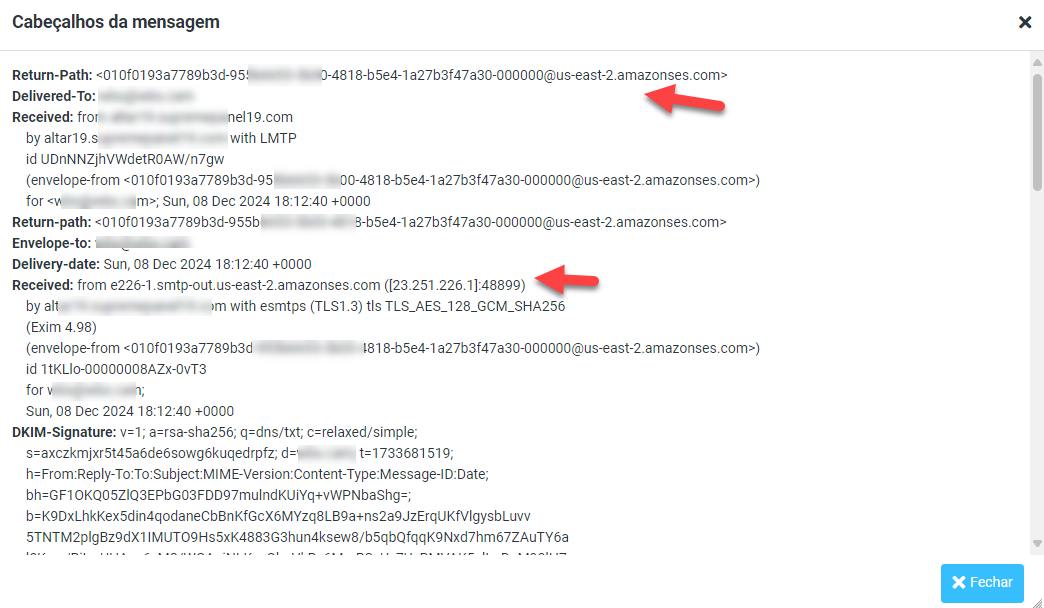
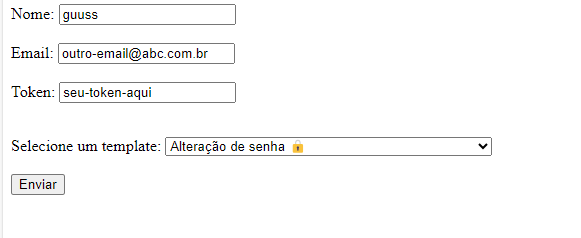
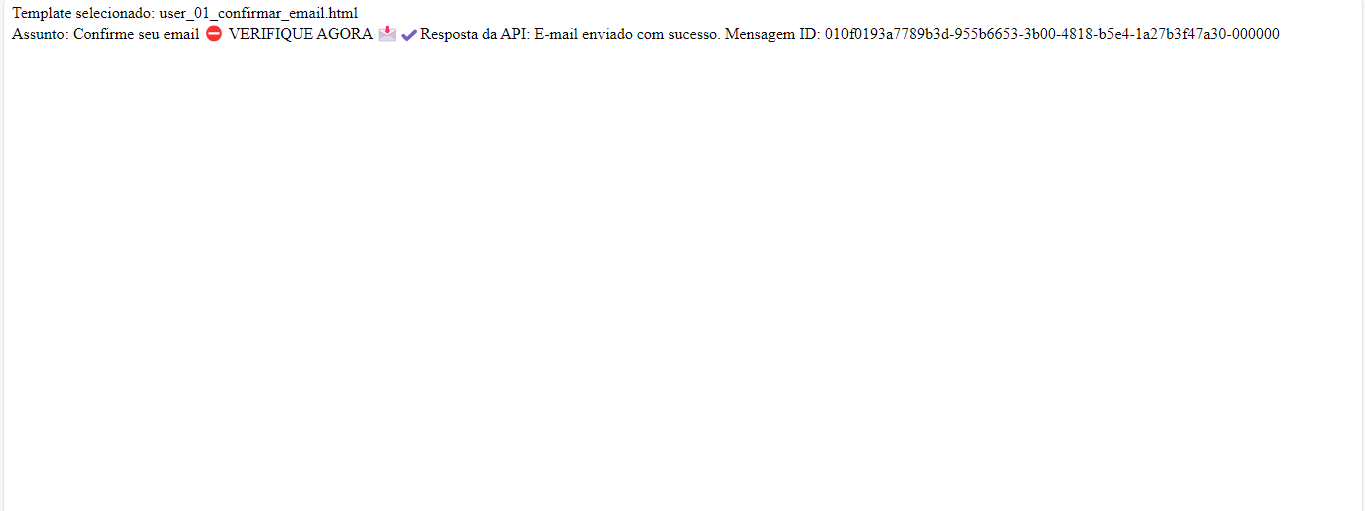
  2. Amigo, Alem das verificações de logs como outro colega sugeriu. Acredito ser configuração e permissão. Tenho exemplo em uso, te apresento poderá certificar e combinamos. https://bit.ly/2IM4MQ4 Abs. formulário de teste, usando template de email retorno visual com o id de envio resposta no leitor de email, webmail
Informação Importante

Concorda com os nossos termos?

Configure browser push notifications

Chrome (Android)
  1. Tap the lock icon next to the address bar.
  2. Tap Permissions → Notifications.
  3. Adjust your preference.
Chrome (Desktop)
  1. Click the padlock icon in the address bar.
  2. Select Site settings.
  3. Find Notifications and adjust your preference.