junior tamietto
Membro
-
Registro em
-
Última visita
-
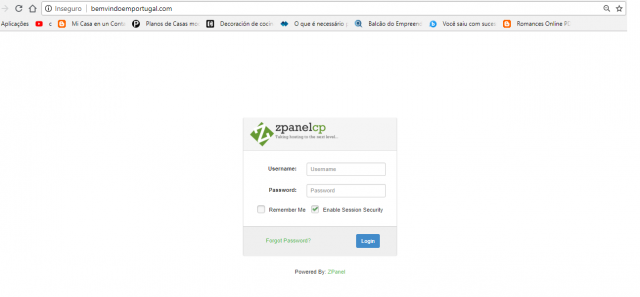
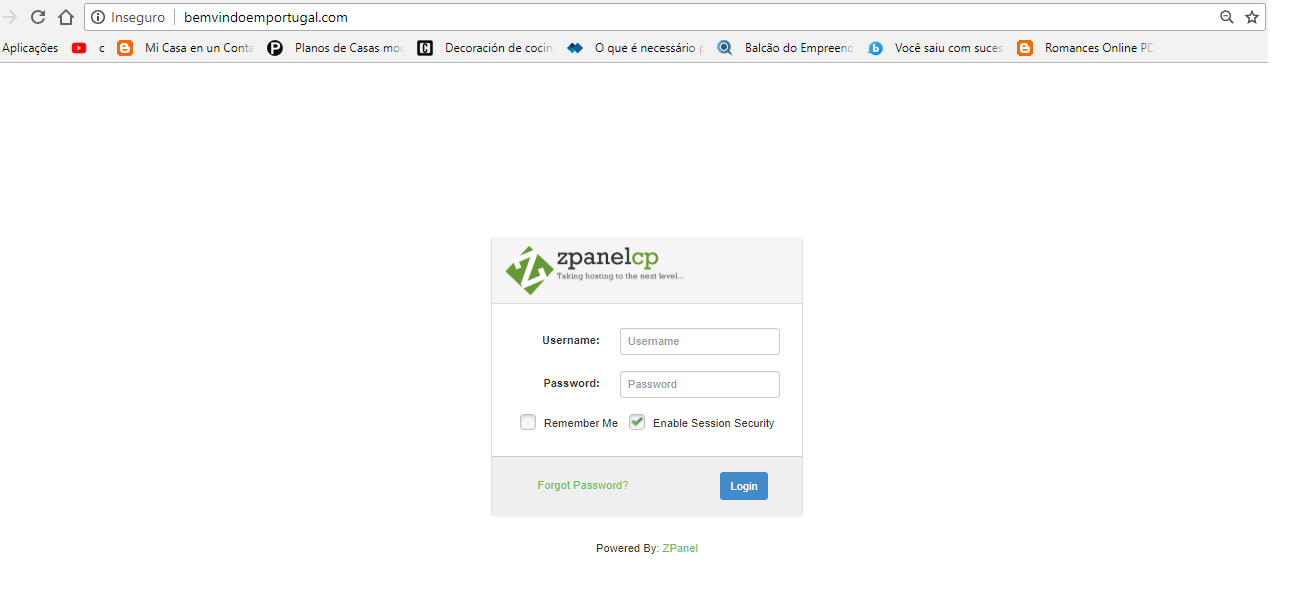
 Pessoal bom dia estou com 1 problema no zpanel, sou novo com respeito ao zpanel, bem vamos la, eu configurei um dominio ex: teste.com, porem quando eu digito o endereco no navegador ele vai direto para a tela do zpanel pedindo login e senha, sei que foi algo que fiz errado, alguem pode me ajudar ? obrigado