

Ir para conteúdo
View in the app

A better way to browse. Learn more.

Portal do Host

A full-screen app on your home screen with push notifications, badges and more.

To install this app on iOS and iPadOS
  1. Tap the Share icon in Safari
  2. Scroll the menu and tap Add to Home Screen.
  3. Tap Add in the top-right corner.
To install this app on Android
  1. Tap the 3-dot menu (⋮) in the top-right corner of the browser.
  2. Tap Add to Home screen or Install app.
  3. Confirm by tapping Install.

Tom Martins

Membro
  • Registro em

  • Última visita

  1. Muito obrigado Daniel Fiquei com tanto foco em tradução ou mesmo editar na raiz, que nem lembrei que poderia ser algo bem mais fácil! Valeu
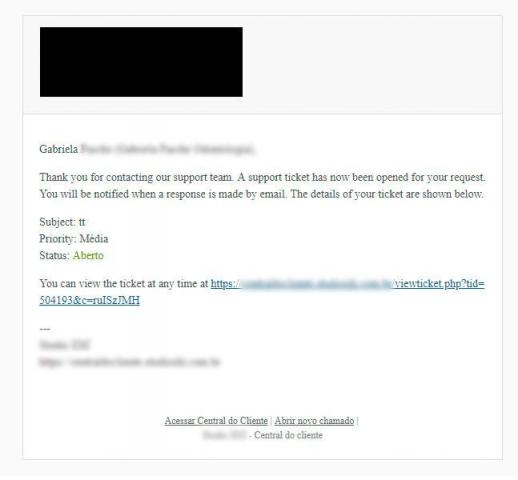
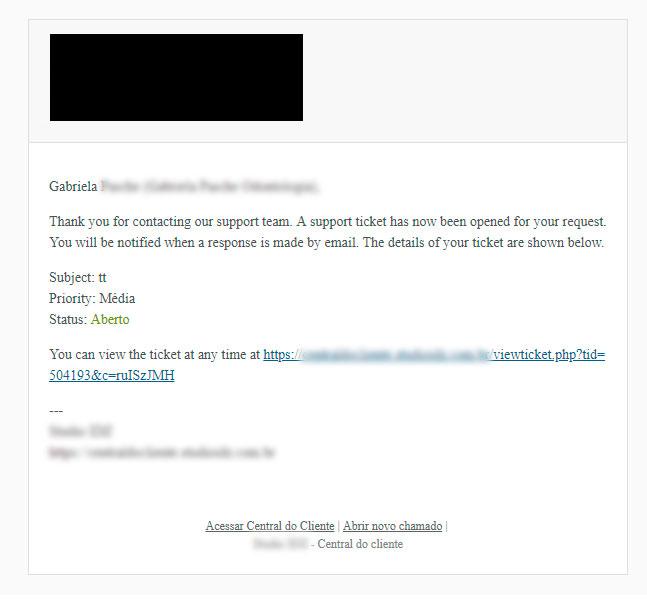
  2. Bom dia. Já consegui personalizar o rodapé dos tickets, porém quando o cliente abre o próprio ticket não consigo traduzir (achar pra editar inclusive) o corpo de texto do ticket que ele recebe: Thank you for contacting our support team. A support ticket has now been opened for your request. You will be notified when a response is made by email. The details of your ticket are shown below.... (conforme anexo) Alguém consegue dar uma ajuda?
Informação Importante

Concorda com os nossos termos?

Configure browser push notifications

Chrome (Android)
  1. Tap the lock icon next to the address bar.
  2. Tap Permissions → Notifications.
  3. Adjust your preference.
Chrome (Desktop)
  1. Click the padlock icon in the address bar.
  2. Select Site settings.
  3. Find Notifications and adjust your preference.