
Ir para conteúdo
View in the app

A better way to browse. Learn more.

Portal do Host

A full-screen app on your home screen with push notifications, badges and more.

To install this app on iOS and iPadOS
  1. Tap the Share icon in Safari
  2. Scroll the menu and tap Add to Home Screen.
  3. Tap Add in the top-right corner.
To install this app on Android
  1. Tap the 3-dot menu (⋮) in the top-right corner of the browser.
  2. Tap Add to Home screen or Install app.
  3. Confirm by tapping Install.

Leandro Augusto

Membro
  • Registro em

  • Última visita

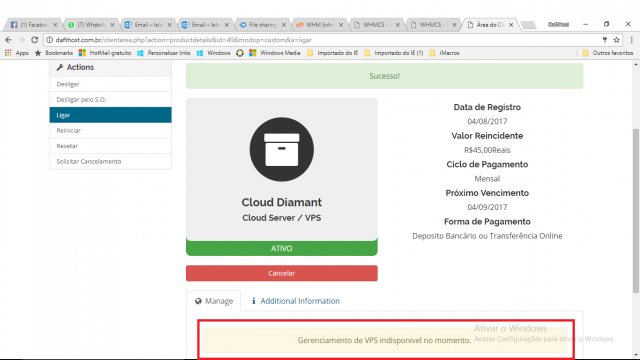
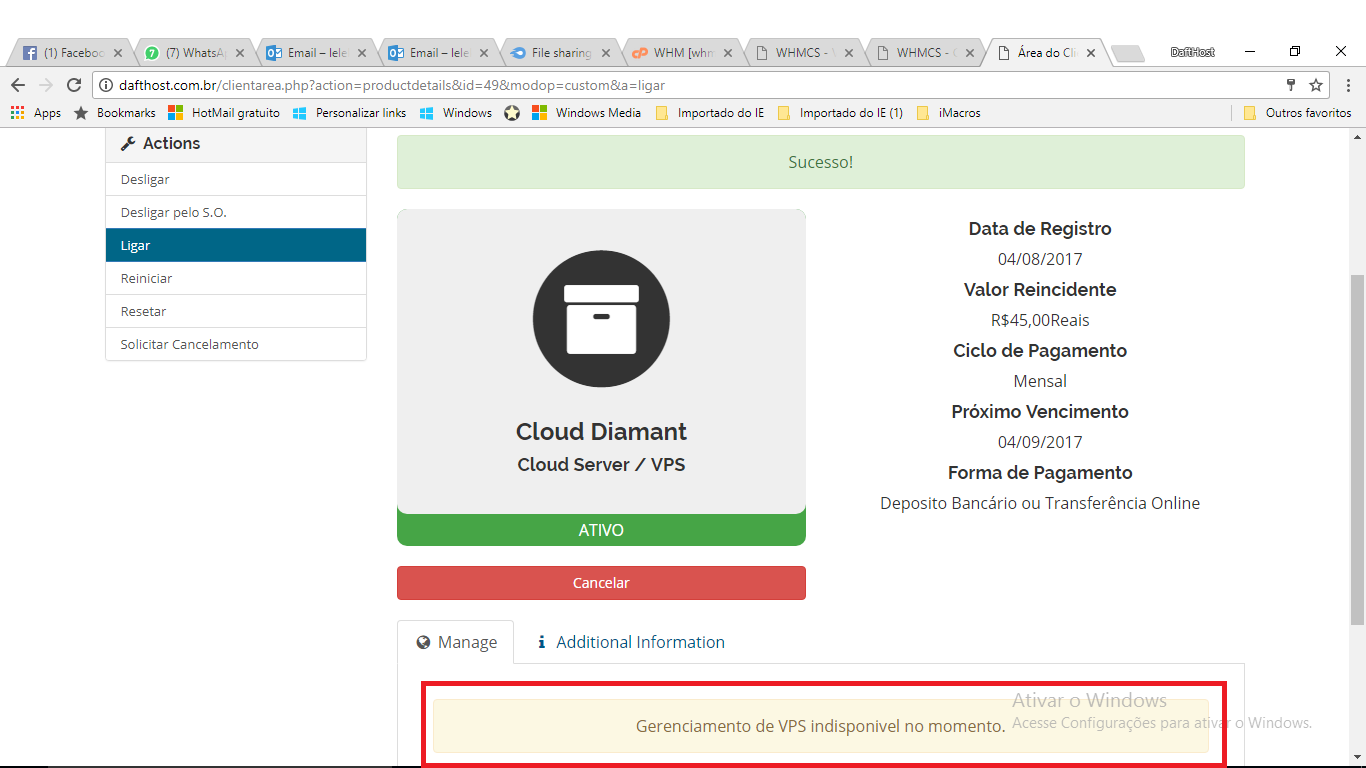
  1. me chama mp para conversarmos estou com SSH2 ativo sim, ele reinicia desliga, liga, porém não está mostrando as informações da máquina.
  2. instalei tudo corretamente, porém não abre as informações da máquina! que marca os dias ativo e entre outras informações da máquina, só fica desta maneira da Print! Alguém sabe como resolver isso?
Informação Importante

Concorda com os nossos termos?

Configure browser push notifications

Chrome (Android)
  1. Tap the lock icon next to the address bar.
  2. Tap Permissions → Notifications.
  3. Adjust your preference.
Chrome (Desktop)
  1. Click the padlock icon in the address bar.
  2. Select Site settings.
  3. Find Notifications and adjust your preference.