

Ir para conteúdo
View in the app

A better way to browse. Learn more.

Portal do Host

A full-screen app on your home screen with push notifications, badges and more.

To install this app on iOS and iPadOS
  1. Tap the Share icon in Safari
  2. Scroll the menu and tap Add to Home Screen.
  3. Tap Add in the top-right corner.
To install this app on Android
  1. Tap the 3-dot menu (⋮) in the top-right corner of the browser.
  2. Tap Add to Home screen or Install app.
  3. Confirm by tapping Install.

MatheusBorges

Membro
  • Registro em

  • Última visita

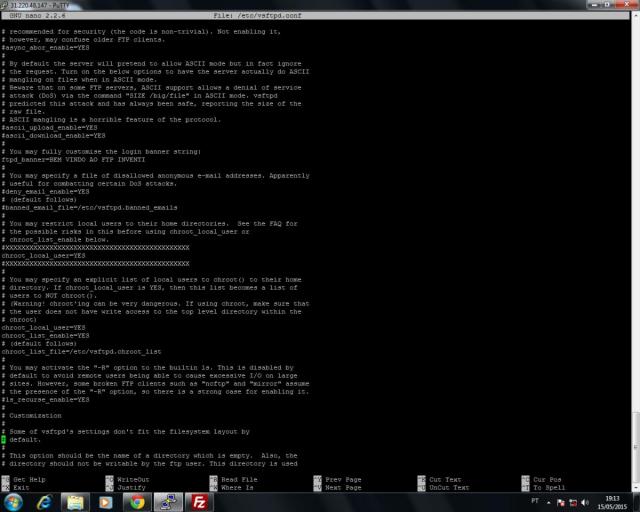
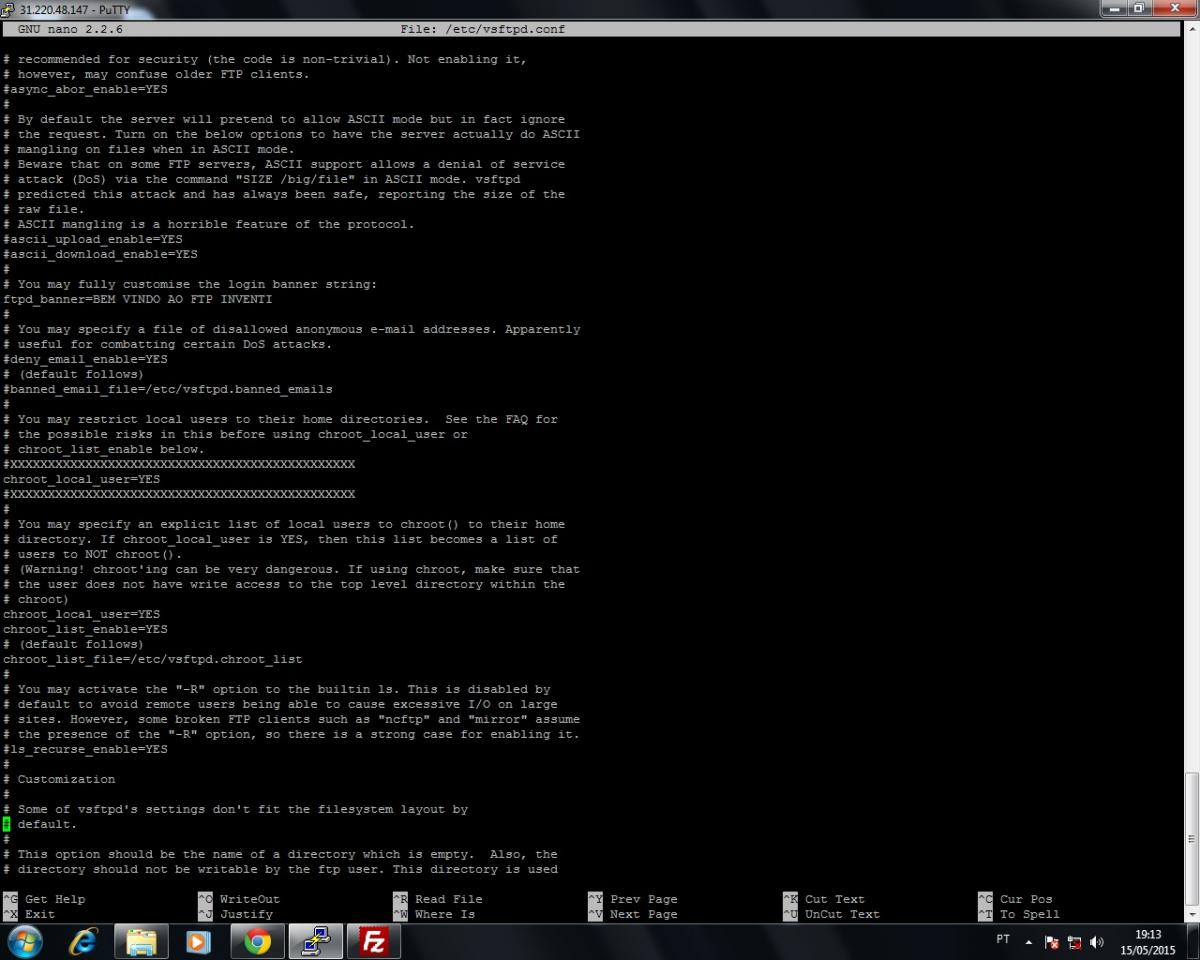
  1. Sr. Vitor Hugo, as informações postadas por você são as que configurei em meu VSFTPD. Ocorre que os usuários cadastrados no arquivo: chroot_list_file=/etc/vsftpd.chroot_list Conseguem navegar entre as pastas do servidor (como era esperado), mas os outros usuários (os que não constam no arquivo acima) não conseguem nem logar-se. O que devo fazer? LOG DO FILEZILA: Comando: USER teste Resposta: 331 Please specify the password. Comando: PASS *** Resposta: 500 OOPS: vsftpd: refusing to run with writable root inside chroot() Erro: Erro crítico: Não foi possível conectar ao servidor EM ANEXO TRECHO DO ARQUIVO: /etc/vsftpd.conf Conto com a sua ajuda, e agradeço antecipadamente...
Informação Importante

Concorda com os nossos termos?

Configure browser push notifications

Chrome (Android)
  1. Tap the lock icon next to the address bar.
  2. Tap Permissions → Notifications.
  3. Adjust your preference.
Chrome (Desktop)
  1. Click the padlock icon in the address bar.
  2. Select Site settings.
  3. Find Notifications and adjust your preference.